What most routers ask for the first time
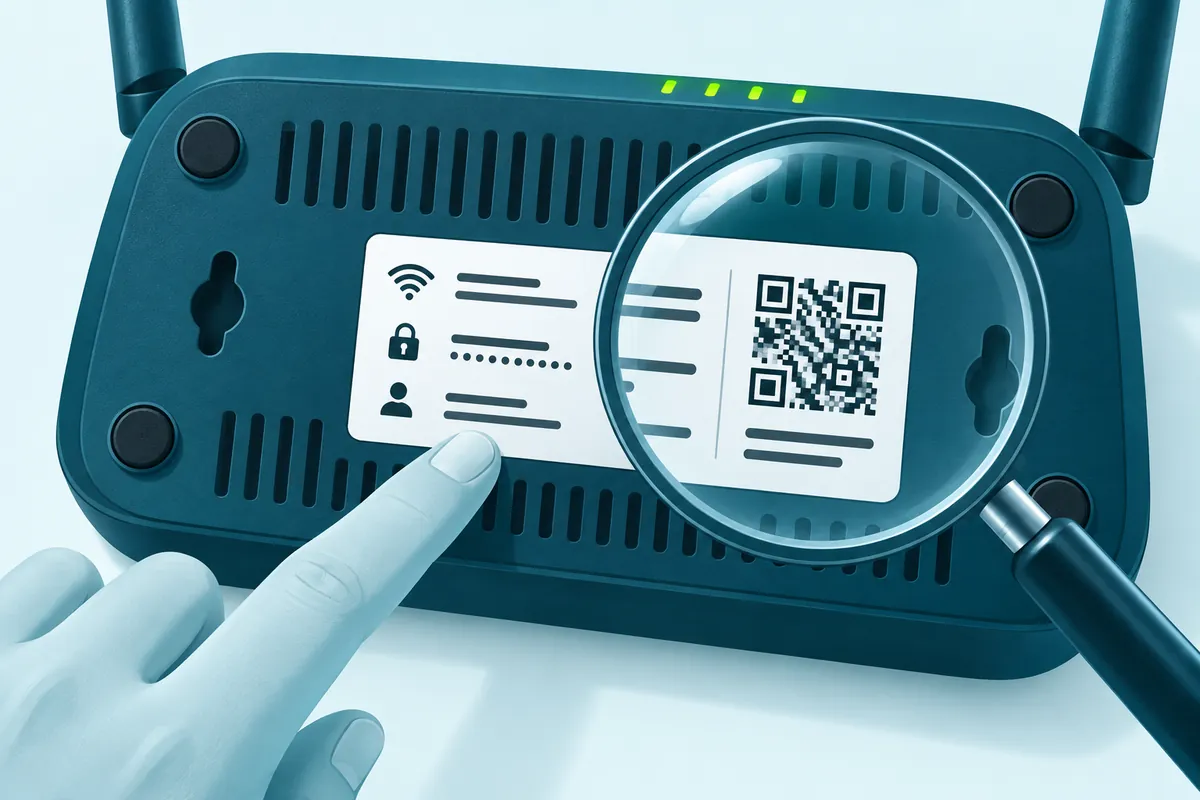
Older home routers usually take the username admin with admin, password or a blank password. Many routers sold in recent years have no shared password at all. They print a unique one on the label, or ask you to create one the first time you sign in.
So the sticker on your own router beats any list, this one included. Use the table to see what your brand normally does, then confirm it on the label or on the official page in the last column.
Default router passwords by brand and provider
Each row was checked against that company's own support pages in September 2026. The "Newer models" column shows how current units differ, and older units may still follow the password column.
| Brand or provider | Address or hostname | Username | Default password | Newer models | Where to confirm |
|---|---|---|---|---|---|
| Netgear routers | routerlogin.net, 192.168.1.1 or 192.168.0.1 | admin | password | Setup makes you change it | Netgear login help |
| Netgear extenders | mywifiext.net or mywifiext.com | admin | password | Setup asks you to choose admin details | Netgear default passwords |
| Linksys | myrouter.local or 192.168.1.1 | Not listed by Linksys | admin (unconfigured router) | MX4300: the Wi-Fi password on the label | Linksys web access article |
| TP-Link routers | tplinkwifi.net or 192.168.0.1 | admin (older models) | admin (older models) | You create one at first login | TP-Link login FAQ |
| TP-Link extenders | tplinkrepeater.net or 192.168.0.254 | admin (some older models) | admin (some older models) | You create one at first login | TP-Link extender FAQ |
| ASUS | www.asusrouter.com, 192.168.50.1 or 192.168.1.1 | admin (some models) | admin or on label | First sign-in opens Quick Internet Setup | ASUS web GUI FAQ |
| D-Link | dlinkrouter.local or 192.168.0.1 | admin | blank (older units) | Bought after 2017: on label, by the serial number | D-Link login FAQ |
| UniFi gateways | 192.168.1.1 or the UniFi app | set at setup | set at setup | Older gear used ubnt defaults, before adoption only | UniFi Help Center |
| Verizon Fios Router | myfiosgateway.com or 192.168.1.1 | admin | on label | Same | Verizon Fios Router help |
| AT&T gateways | 192.168.1.254 | not used | Device Access Code, on label | Same | AT&T network settings help |
| Xfinity gateways | 10.0.0.1 | admin | set at setup (Admin Tool) | Access turned on before February 2026: sticker password | Xfinity Admin Tool access |
| Cox Panoramic Wifi | Cox app or cox.com/mywifi | Cox user ID | not published by Cox | Wi-Fi name and key are managed in the app | Cox Wi-Fi settings help |
| BT Hub | 192.168.1.254 | not used | on the Hub settings card | Case-sensitive, 5 to 20 characters | BT admin password help |
| Virgin Media Hub | 192.168.0.1 | not used | on label, under the hub | Separate from the Wi-Fi key | Virgin Media Hub settings |
| eero | app only (eero app) | eero account | none | Same | eero app overview |
| Google Nest Wifi | app only (Google Home) | Google Account | none | Same | Google Wifi password help |
| Starlink router | app only (Starlink app) | Starlink account | none | Same | Starlink admin portal answer |
| T-Mobile Home Internet | app only on newer gateways (T-Life) | T-Mobile ID | none | Same | T-Mobile Internet in T-Life |
How to read the table
- blank: leave the password box empty and press the sign-in button.
- on label: the password is unique to your unit. No other router shares it.
- set at setup: there's no factory default. Whoever set the router up created the login.
- app only: there's no browser sign-in page. You manage the network in the app with your account.
- not used: the page asks for a password or code with no username field.
Very old Netgear units used 1234 instead of password, according to Netgear's own list.
Other places the login might be written
The label is the usual spot, and the homepage shows how a typical router sticker is laid out. If the sticker is worn, missing or covered, look here next:
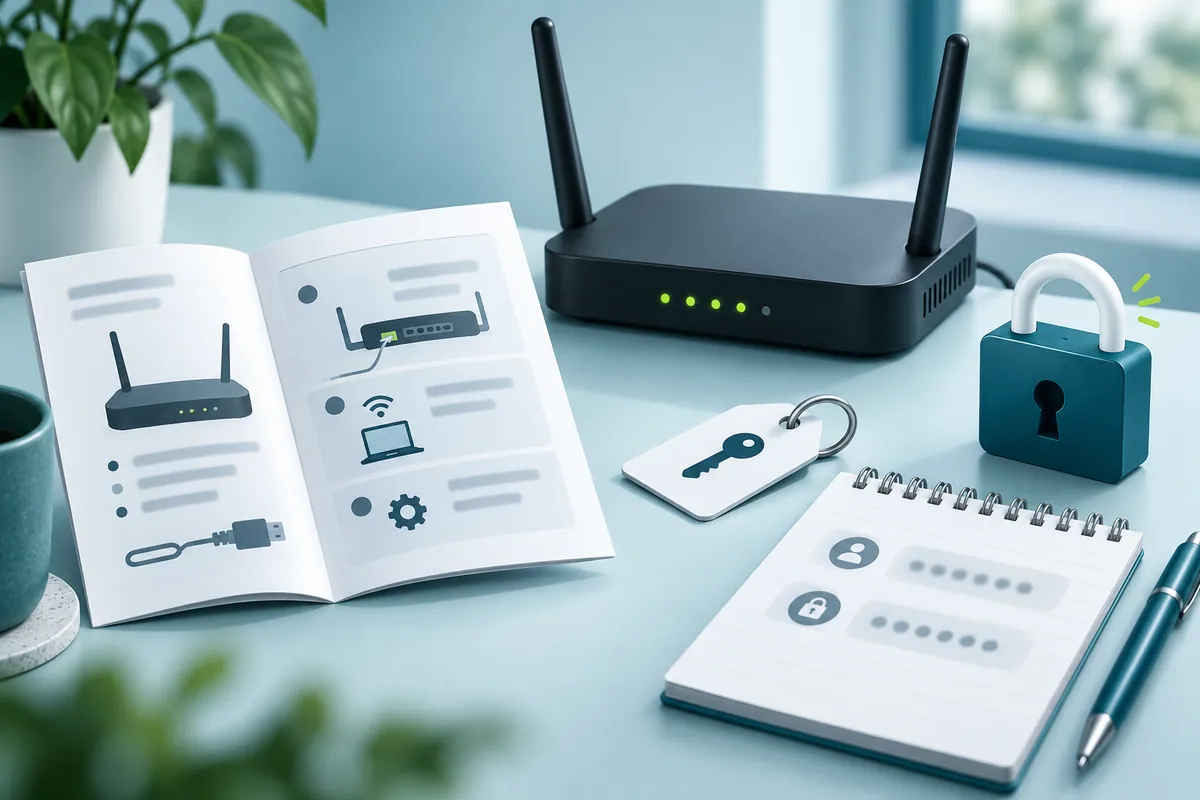
- The quick-start card or booklet that came in the box.
- Your provider's welcome email or online account. ISPs that supply the gateway often show its network details in your account or app.
- A pull-out settings card. BT keeps the admin password on a Hub settings card on the back of the hub, and some older BT Hubs also have it on the label underneath.
- A password manager or your browser's saved passwords, if you or someone in the house changed the login earlier.
Provider gateways play by their own rules
A gateway from your internet provider usually has a login that belongs to that one box. Check the provider's own recovery route before you press the reset button. A reset can wipe settings the provider put there, and restoring them may take a support call.
Verizon Fios
Verizon's page gives myfiosgateway.com or 192.168.1.1 as the address and admin as the username. The unique default password is on the label on the back of the router.
AT&T and the Device Access Code
AT&T gateways live at 192.168.1.254. Protected settings ask for the Device Access Code, which is printed on the label on your gateway. AT&T recommends changing it, since anyone on your network who knows the default code could lock you out.
Xfinity and the Admin Tool
Xfinity gateways use http://10.0.0.1 with the username admin, once Admin Tool access is switched on. If you turn that access on for the first time, Xfinity takes you to a screen where you set a new password. People who turned it on before February 2026 may still use the default password from the sticker on the bottom of the gateway.
BT Hub and the password override
BT Hubs open Hub Manager at 192.168.1.254. The admin password is case-sensitive and must be 5 to 20 characters long. If you changed it and forgot it, BT's password override sets a new one without losing your other hub settings, so no factory reset is needed. BT lists it for Smart Hub 2, Smart Hub and Home Hub 3, 4 and 5, but not for Smart Hub 3 or newer.
Fiber boxes from other providers
Outside the US, many ISPs install a fiber box, or optical network terminal (ONT), with a login on its label. That login is often a limited user account, while the provider keeps the full admin login for itself. Don't go hunting online for "super admin" passwords. Ask the ISP to make the change for you.
When the listed pair gets rejected
- Someone changed it. An installer, a previous owner or you during setup may have set a new password.
- Provider firmware set its own. ISP-branded units often skip the brand's usual default.
- Capital letters don't match. Passwords are case-sensitive, and phones like to capitalize the first letter.
- Autofill got there first. Your browser may have dropped an old saved password into the box. Clear the field and type it yourself.
- You're signed in to the wrong box. An extender, a mesh node or the ISP modem has its own login.
Check for a recovery option before anything drastic. BT has its password override, and Netgear routers offer password recovery if it was switched on earlier. After that, the way back in is a factory reset of your own router, which brings back the login on the label. If the gateway came from your ISP, contact them before you reset it.
The rules pushing makers toward unique passwords
Shared logins such as admin / admin are being phased out by law and by government guidance. Here's how that happened, in date order.
| Date | Rule or guidance | What it asks for |
|---|---|---|
| January 1, 2020 | California SB-327 (Civil Code 1798.91.04) | A preprogrammed password unique to each device, or a setup step that makes the user create new credentials before first access |
| December 15, 2023 | CISA Secure by Design Alert | Urges manufacturers to eliminate default passwords |
| April 29, 2024 | UK PSTI Act | Bans universal default and easily guessable passwords on consumer connectable products |
| August 1, 2025 | EU RED Delegated Regulation 2022/30 | Cybersecurity requirements for internet-connected wireless equipment sold in the EU |
A password printed uniquely on each unit satisfies the password rules, which is why so many labels now carry one. Routers bought before these dates may still use the old shared pair.
What a factory password exposes you to
Anyone who reaches your router's sign-in page can try the factory pair, and malware does this automatically. CISA's alert TA16-288A says the Mirai botnet used a short list of 62 common default usernames and passwords to scan for devices it could take over.
Your admin page normally can't be reached from the internet. A visitor on your Wi-Fi, an infected laptop or remote management left switched on can still reach it, and an unchanged password lets them straight in.
Wi-Fi key lists and password finder tools
No genuine list of default Wi-Fi passwords exists for Netgear, Belkin or any other brand. Each unit ships with its own key, printed on its own label, so a published "list" is guesswork or stolen data.
The same goes for "router password finder" apps and sites. None of them can pull the admin password out of your router. Leaked-credential lists are a common way to spread malware, and trying them on a network that isn't yours is illegal in most countries.
Replace the factory password first
Change the admin password the first time you sign in, before you touch any other setting.
- Pick a passphrase: four or more unrelated words, plus a number if the router insists on one.
- Keep it inside the router's limits. BT Hubs allow 5 to 20 characters, and most other brands show their rule on the change screen.
- Save it in a password manager, so you never need the reset button to get back in.
- Keep it different from your Wi-Fi key. The homepage shows where the admin password setting sits, and the Wi-Fi key has its own walkthrough.
More about label logins
Can the password printed on my label stop working?
The printed password never changes by itself, but it stops working once anyone sets a new one. An ISP can also change the login on a gateway it manages. On most routers, a factory reset brings the label password back. Provider gateways can behave differently, so read the provider's help pages before you reset one.
Why does my fiber box's label list a "user" account and not admin?
Many ISPs give customers a limited account on the fiber box and keep full admin access for their own staff. The user account usually covers everyday settings such as the Wi-Fi name and key. For anything it can't reach, ask the ISP. Admin passwords shared on forums are unreliable, and using them may break your service terms.
My router never had a default password. How do I get in?
If the router asked you to create a login during setup, that is the only password it accepts. Check your password manager and your browser's saved passwords first. If it's gone for good, a factory reset puts the router back into setup mode, where you create a new one. App-managed systems use your app account instead.
What login does a Wi-Fi range extender use?
Netgear extenders open at mywifiext.net or mywifiext.com and use admin with password unless someone changed it, though newer setups ask you to pick your own. TP-Link extenders open at tplinkrepeater.net, and most current models have you create a password at first login. Connect to the extender's network before you type the address.
Do mesh systems such as eero have a default admin password?
No. eero, Google Nest Wifi and Starlink routers have no browser sign-in page and no factory admin password. You manage them in the maker's app, signed in with your own account. If you lose that account, recover it through the maker, or factory reset the system and set it up again.
Keep going